How to Set Up a GoTo Mount
Published How we research
Level the tripod on firm ground and orient it correctly per the manual, use fresh batteries, and enter accurate date, time, and location, since errors there throw off all pointing. The core step is star alignment: center one or more bright, named stars precisely in the eyepiece so the mount learns the sky's orientation, choosing stars well spread across the sky rather than close together. Test the alignment on a known bright object afterward; if it consistently misses, repeat the alignment carefully. A GoTo mount can automatically point your telescope at thousands of objects, but only if it is set up and aligned correctly. Many beginners grow frustrated when their computerized mount misses targets, and almost always the cause is a rushed or careless alignment. Learning to set up a GoTo mount properly turns it from a source of frustration into a reliable observing partner.
Products from this article
The highest-scoring picks from the buying guides this article links to. Scores are our editorial assessment, not customer ratings.
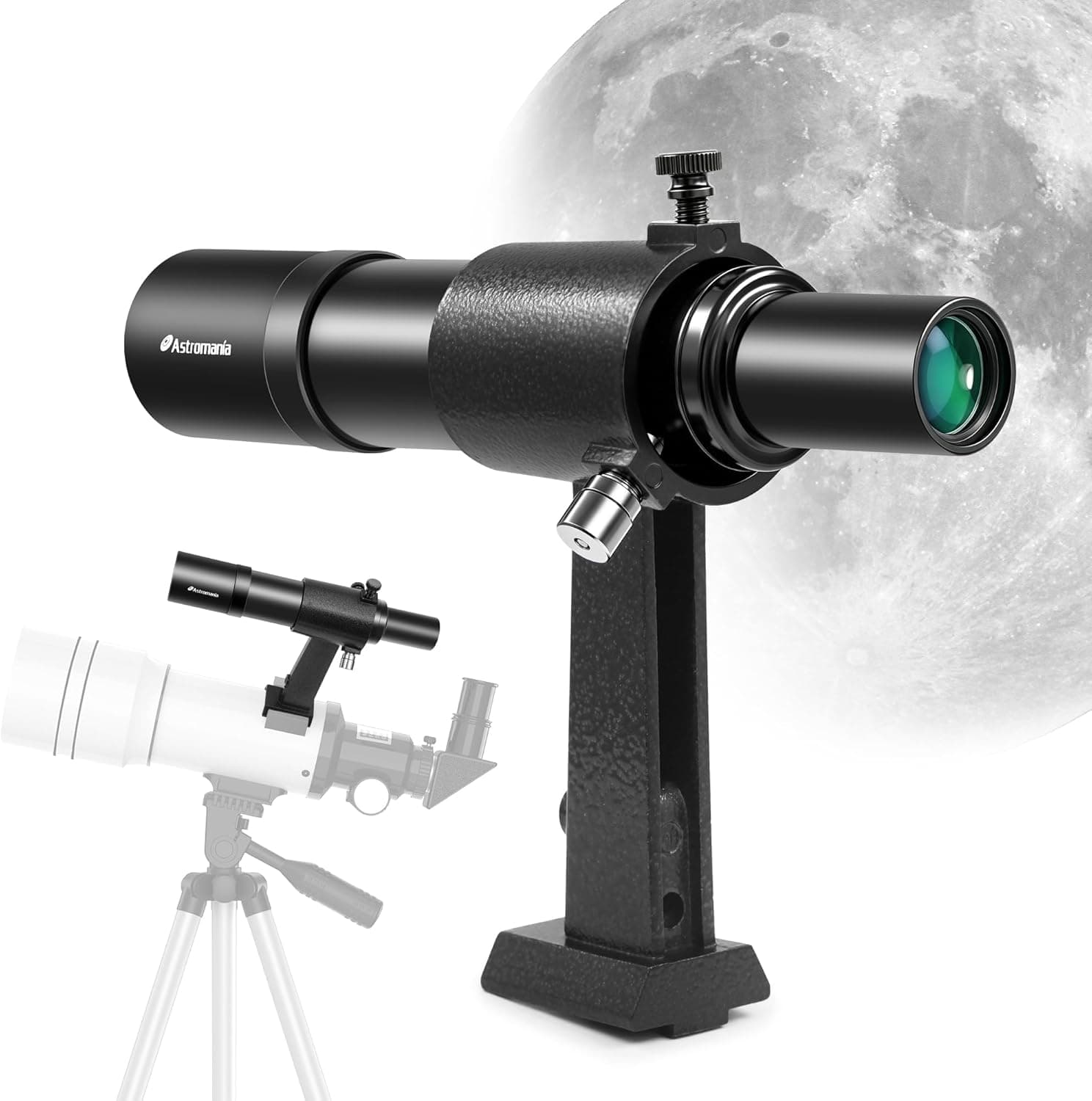
+ Correct image orientation makes matching charts easy
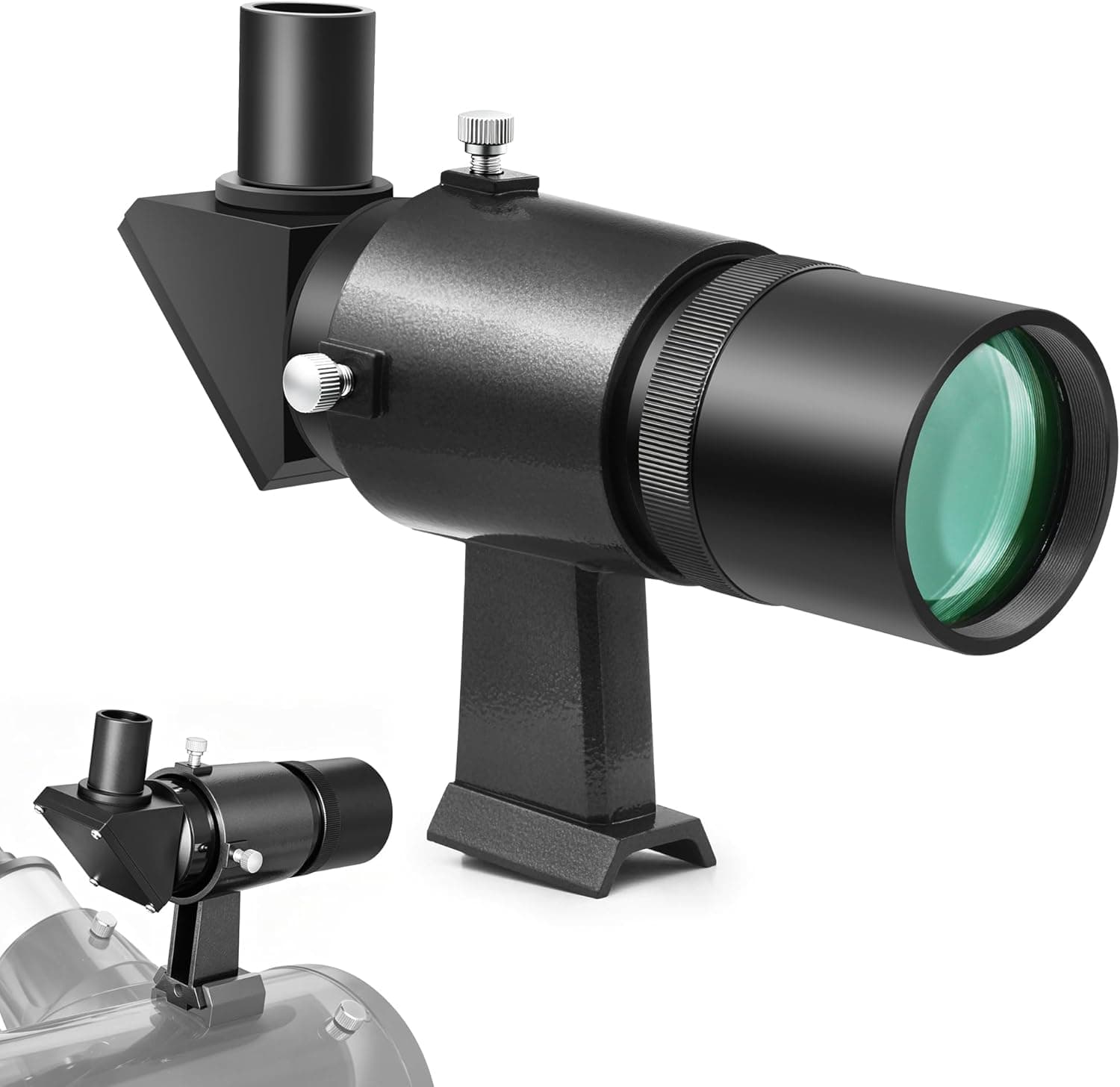
From our guide: Best Finder Scopes to Locate Targets Fast (2026)
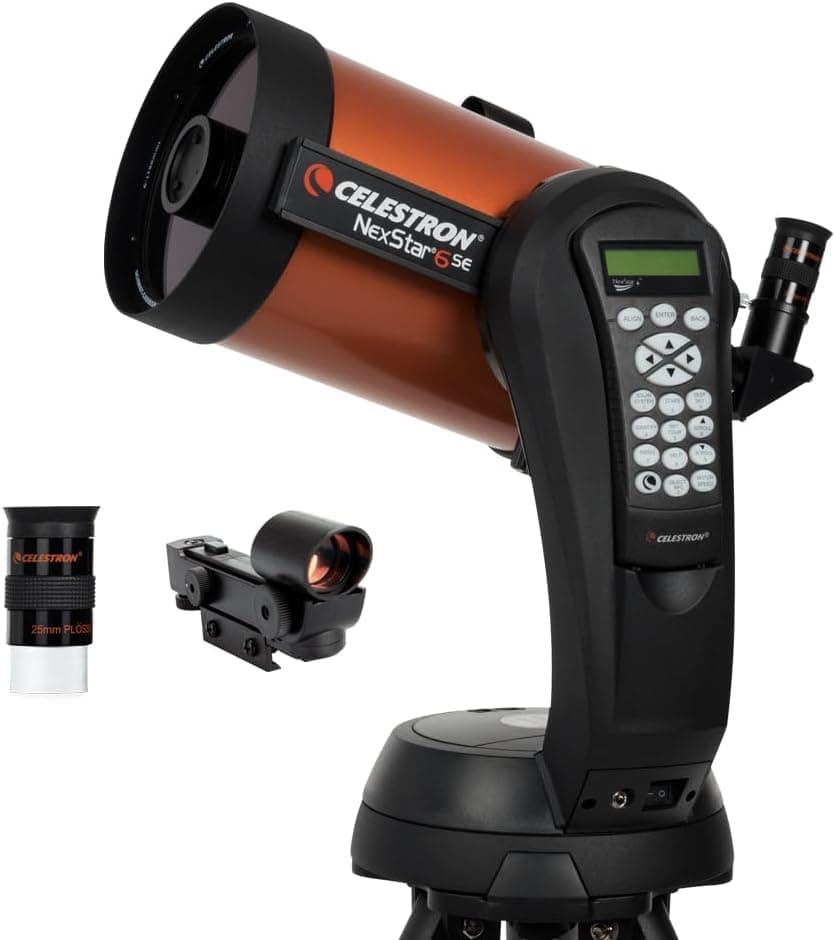
+ 6-inch aperture is a sweet spot for planets and bright deep-sky targets on the SE mount
From our guide: Best Computerized Telescopes for Easy Finding (2026)
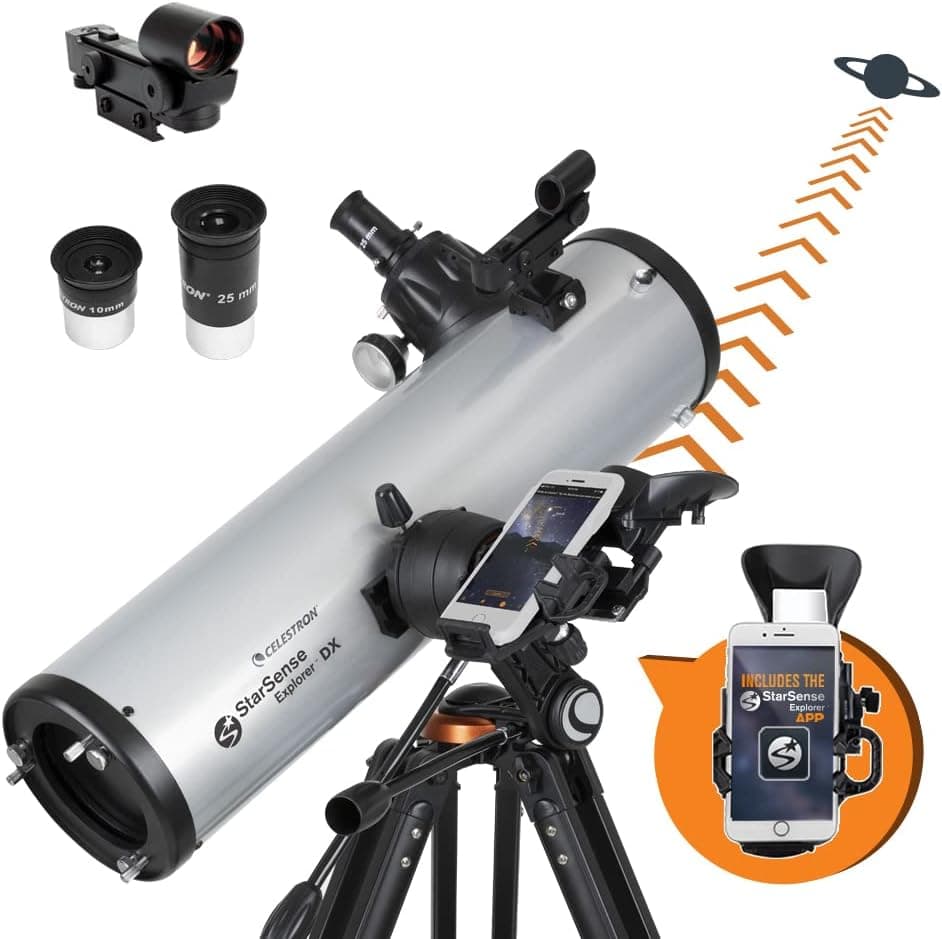
+ DX mount with slow-motion controls is steadier than the LT line
From our guide: Best Beginner Telescopes for a Great First Night (2026)
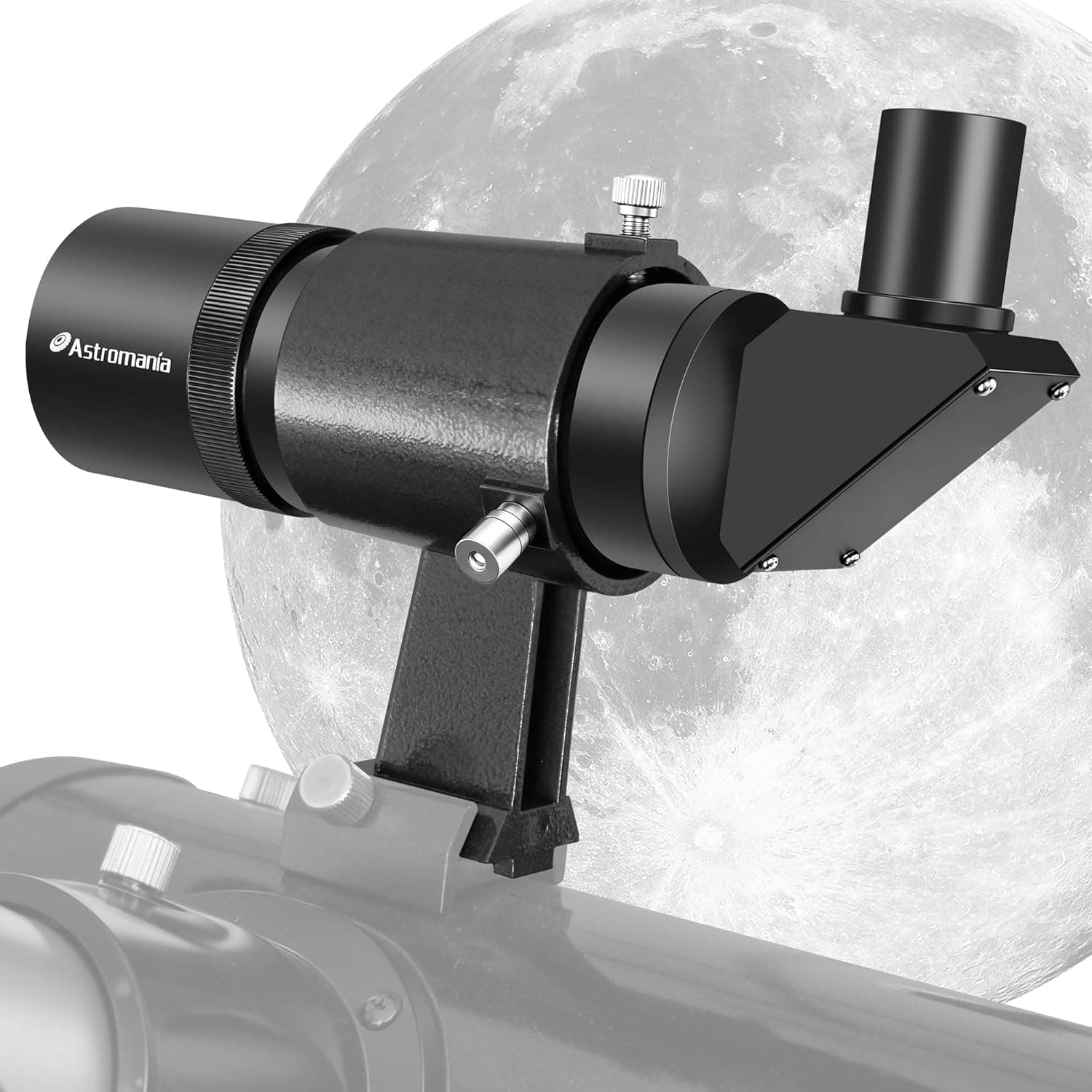
+ 9x50 aperture reveals faint stars for easier navigation to deep-sky objects
From our guide: Best Finder Scopes to Locate Targets Fast (2026)
Physical setup: level, oriented, stable
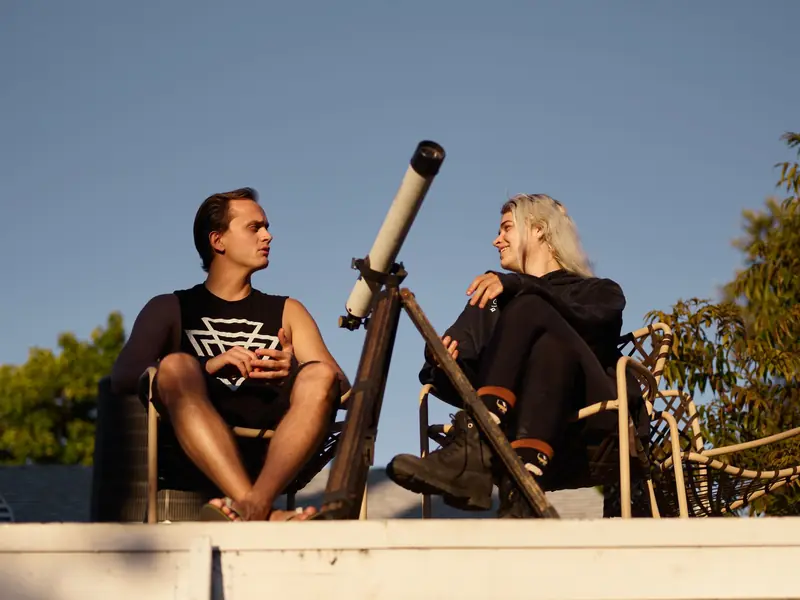
Begin with the physical setup, which matters more than it seems. Place the tripod on firm, level ground and use the built-in bubble level to get it truly level, since an unlevel mount undermines the alignment. Point the mount in the correct starting orientation as described in your manual, which for many mounts means facing a specific direction and setting the tube to a home position. A stable, level, correctly oriented start is the foundation of accurate pointing.
Power and initial data entry
Power and initial data come next. GoTo mounts need a reliable power source, and weak batteries can cause erratic behavior, so use fresh batteries or an external power pack. When you switch on, the hand controller or app will ask for your date, time, and location, and it uses this information to calculate where objects are. Enter these carefully, as an error in time or location will throw off every pointing. Many modern mounts read location automatically from a phone.
The heart of setup: star alignment
The heart of setup is star alignment. The mount asks you to center one or more bright, named stars in the eyepiece so it can learn the true orientation of the sky. It will slew toward each alignment star, and your job is to center it precisely using the controls, ideally finishing the centering with the same direction of movement each time to reduce backlash. Using a high-power eyepiece or a crosshair eyepiece for this step improves accuracy significantly.
Choosing good alignment stars
Choosing good alignment stars helps. Pick stars that are well separated across the sky rather than close together, since a wide spread gives the mount better information about the sky's geometry. Make sure you are centering the correct star, as choosing the wrong one is a common cause of failed alignment. Some mounts offer alignment routines using two or three stars, and more stars generally yield more accurate pointing.
Testing the mount and troubleshooting misses
Once aligned, test the mount by sending it to a known bright object like a planet or a familiar star. If it lands the target in or near the eyepiece, your alignment is good and you can explore the database freely. If it consistently misses in the same direction, the setup likely had a small error, and repeating the alignment carefully usually fixes it. A well-aligned mount will place object after object reliably in the field.
With practice, it becomes second nature
With practice, the whole routine takes only a few minutes and becomes second nature. Take your time with leveling, data entry, and star centering, since these steps determine everything that follows. A properly set up GoTo mount rewards you with effortless access to a vast catalog of objects, freeing your attention for actually observing rather than searching, especially valuable under light-polluted skies where star hopping is difficult.
Frequently asked questions
Why does my GoTo telescope mount miss targets? Almost always a rushed or careless alignment: an unlevel tripod, wrong date/time/location entry, or imprecise centering during star alignment. Repeat the alignment carefully.
How do I align a GoTo telescope mount? Center one or more bright, named stars precisely in the eyepiece when the mount slews to them, ideally choosing stars well separated across the sky rather than close together.
Why does GoTo alignment need accurate date, time, and location? The mount calculates where every object currently is based on this information, so an error in any of them throws off every subsequent pointing.
How do I know if my GoTo mount alignment worked? Send it to a known bright object like a planet or familiar star. If it lands the target in or near the eyepiece, the alignment is good; if it consistently misses in the same direction, repeat the alignment.
Quick answers
How does a GoTo telescope mount work?
After a short alignment on two or three bright stars, the mount's computer knows where it is pointing and can slew to thousands of objects from its database, then track them as the sky moves.
Popular right now
- Best Intervalometers for Automated Astro Shots (2026)Buying guide
- Best Finder Scopes to Locate Targets Fast (2026)Buying guide
- Telescope Aperture and Magnification ChartArticle
- Best Star Diagonals for Comfortable Viewing (2026)Buying guide
- Best Red Flashlights to Protect Night Vision (2026)Buying guide
- Equatorial mount explainedGlossary
Based on the last 28 days of search and visitor data.